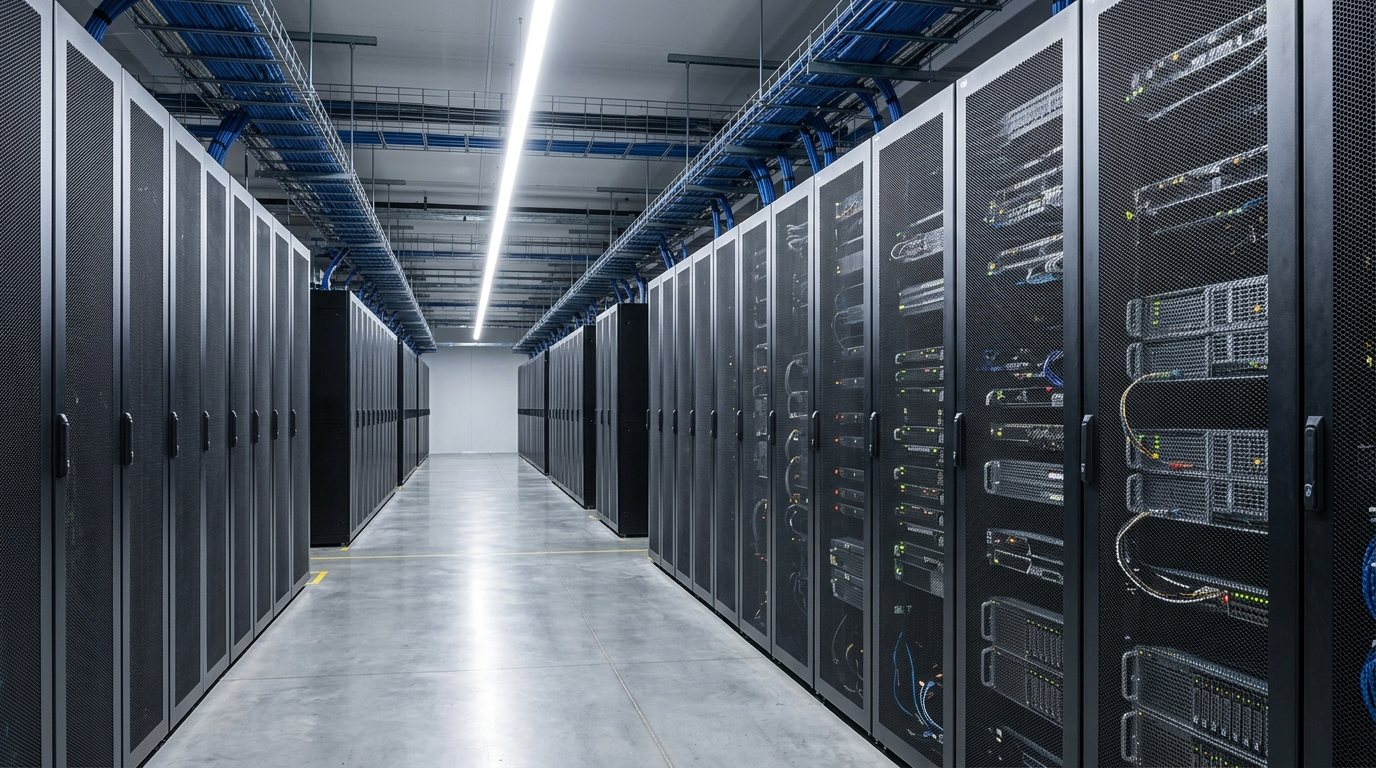
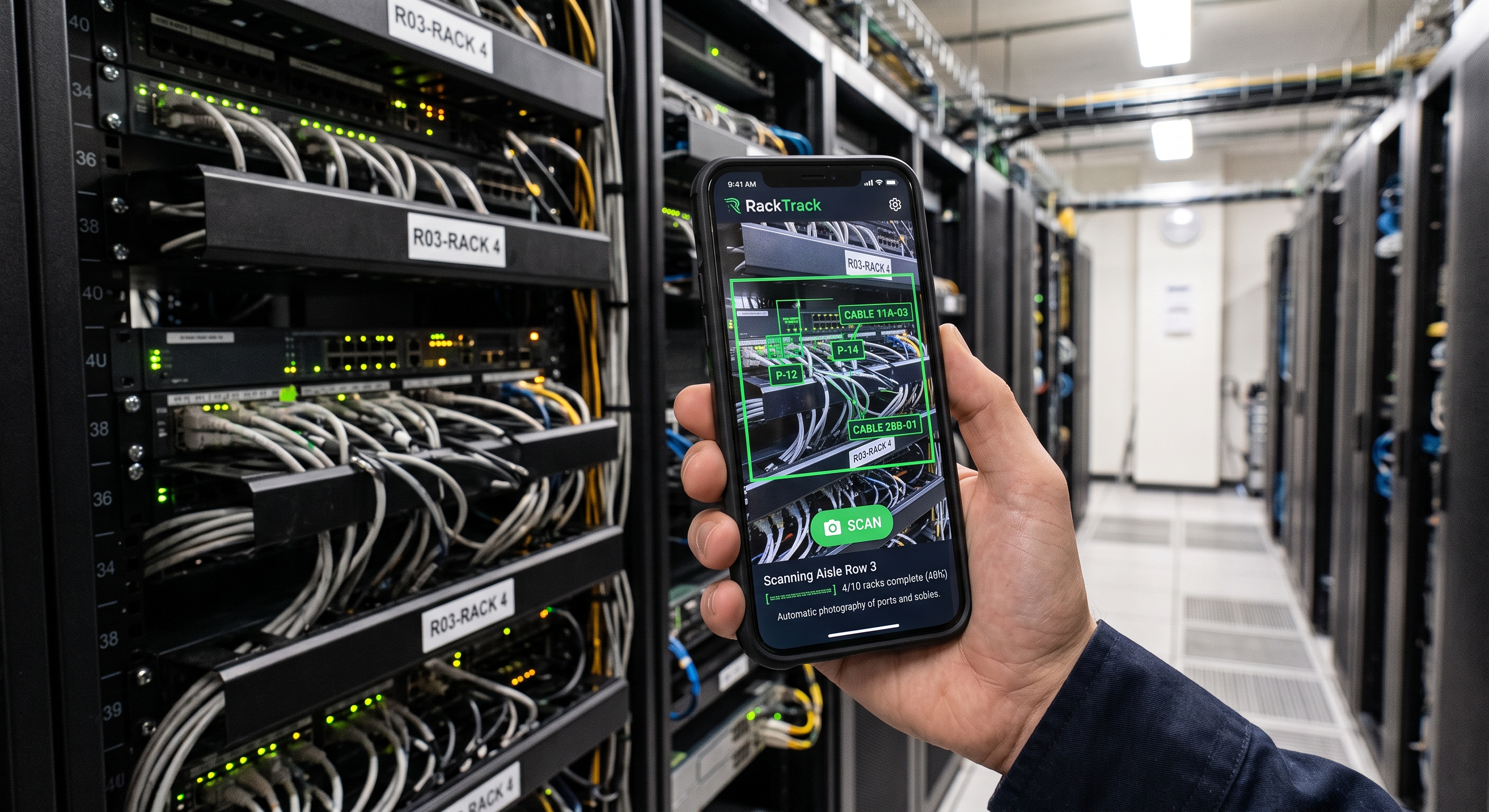
Walk the aisle, scan the rack
Walk down the row with your phone recording, then upload the video. RackTrack finds every rack in the footage, picks the clearest frame for each, and maps every cable and port: no special hardware, no downtime.
 RackTrack
Sign In
RackTrack
Sign In
Point your phone at the rack. RackTrack checks what it sees against what your systems say, and shows you exactly where they stop matching.
You don't need to learn a new system to use RackTrack. Here's the entire process, start to finish.
Walk down the row with your phone recording, then upload the video. RackTrack finds every rack in the footage, picks the clearest frame for each, and maps every cable and port: no special hardware, no downtime.
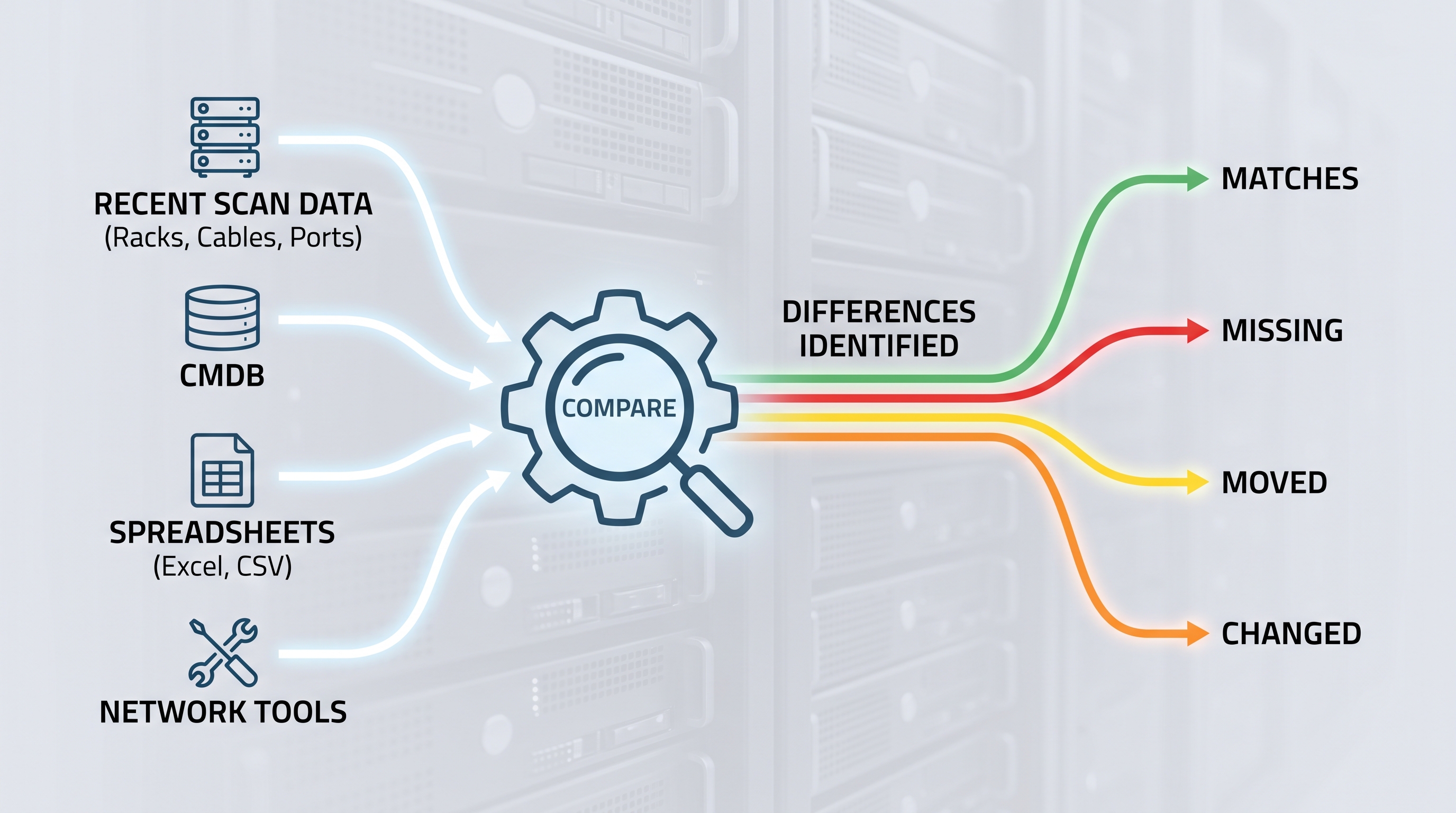
RackTrack compares what it just saw with your existing systems (your CMDB and live network tools) automatically, in the background.
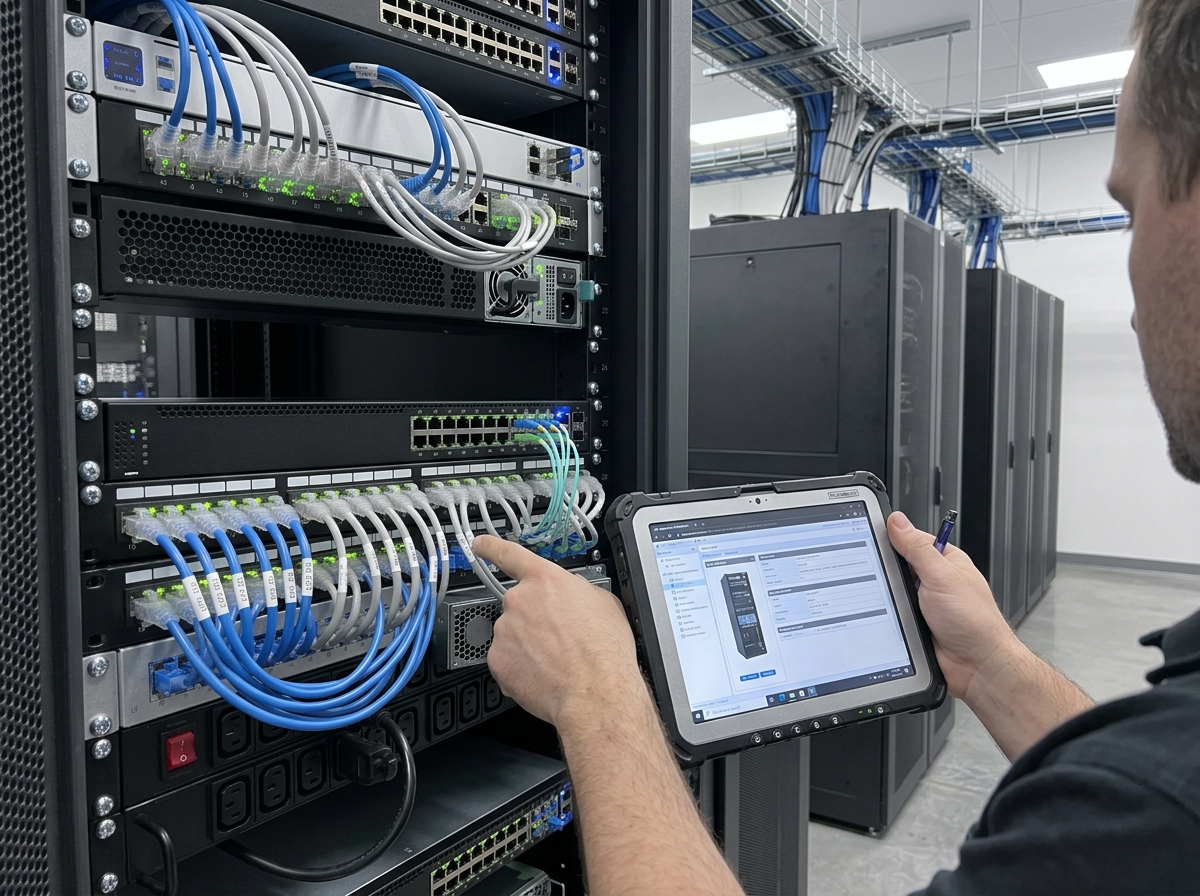
Get a plain list: what matches your records, what's missing from your CMDB, and what's moved or changed on a monitored switch. No decoding required.
Most infrastructure records start in software and slowly drift from reality. RackTrack starts at the cabinet itself (the real hardware), then checks the software record against what's actually there. Drag the slider to see it happen.
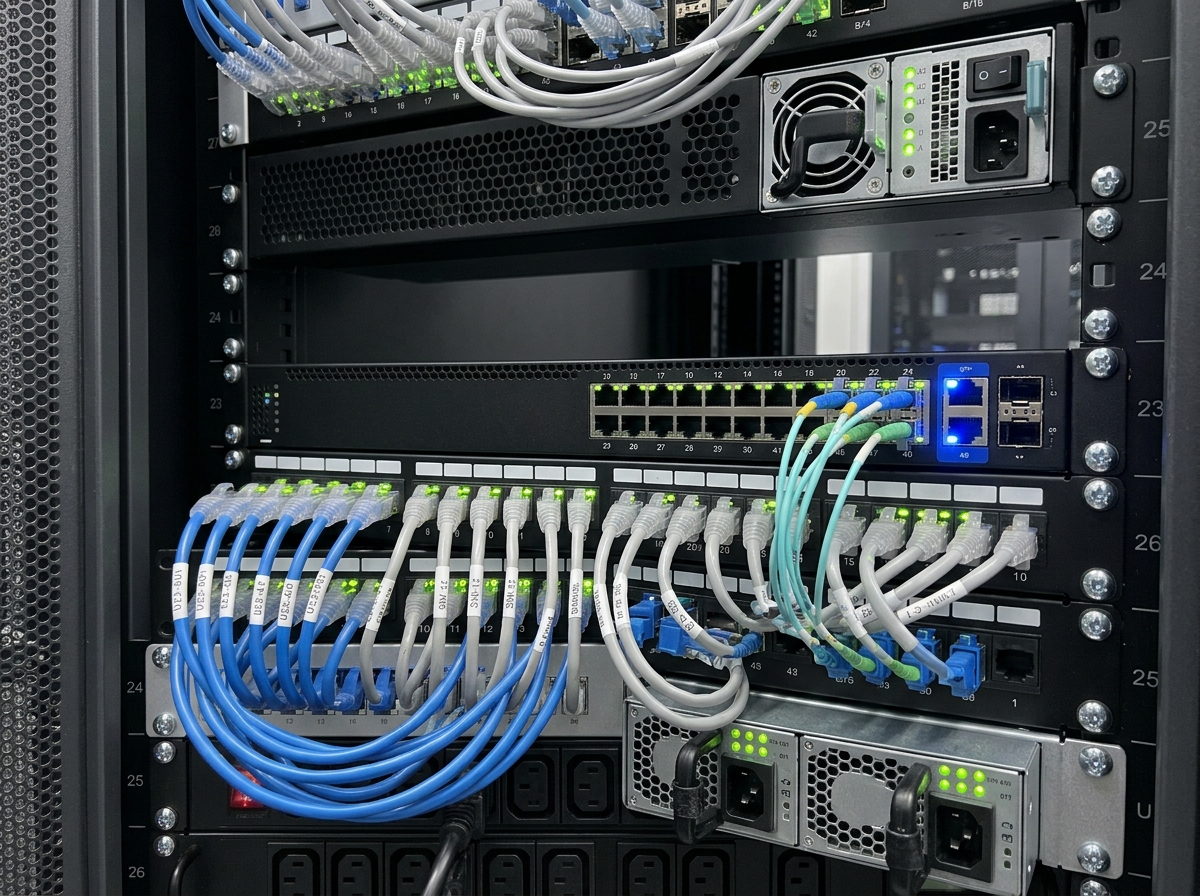 Verified by RackTrack
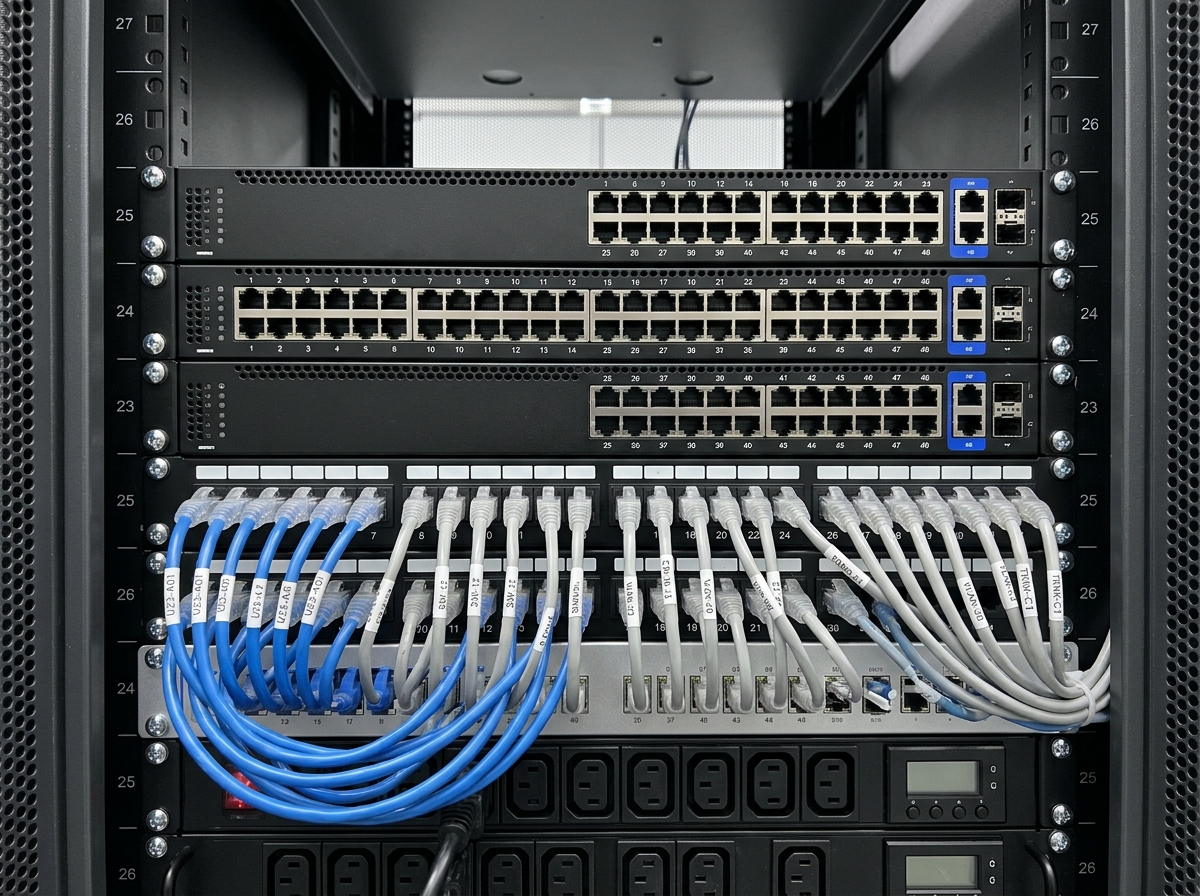 Unverified
Bring one rack or row. We'll scan it live and show you exactly where it matches your records, and where it doesn't.
Request platform brief